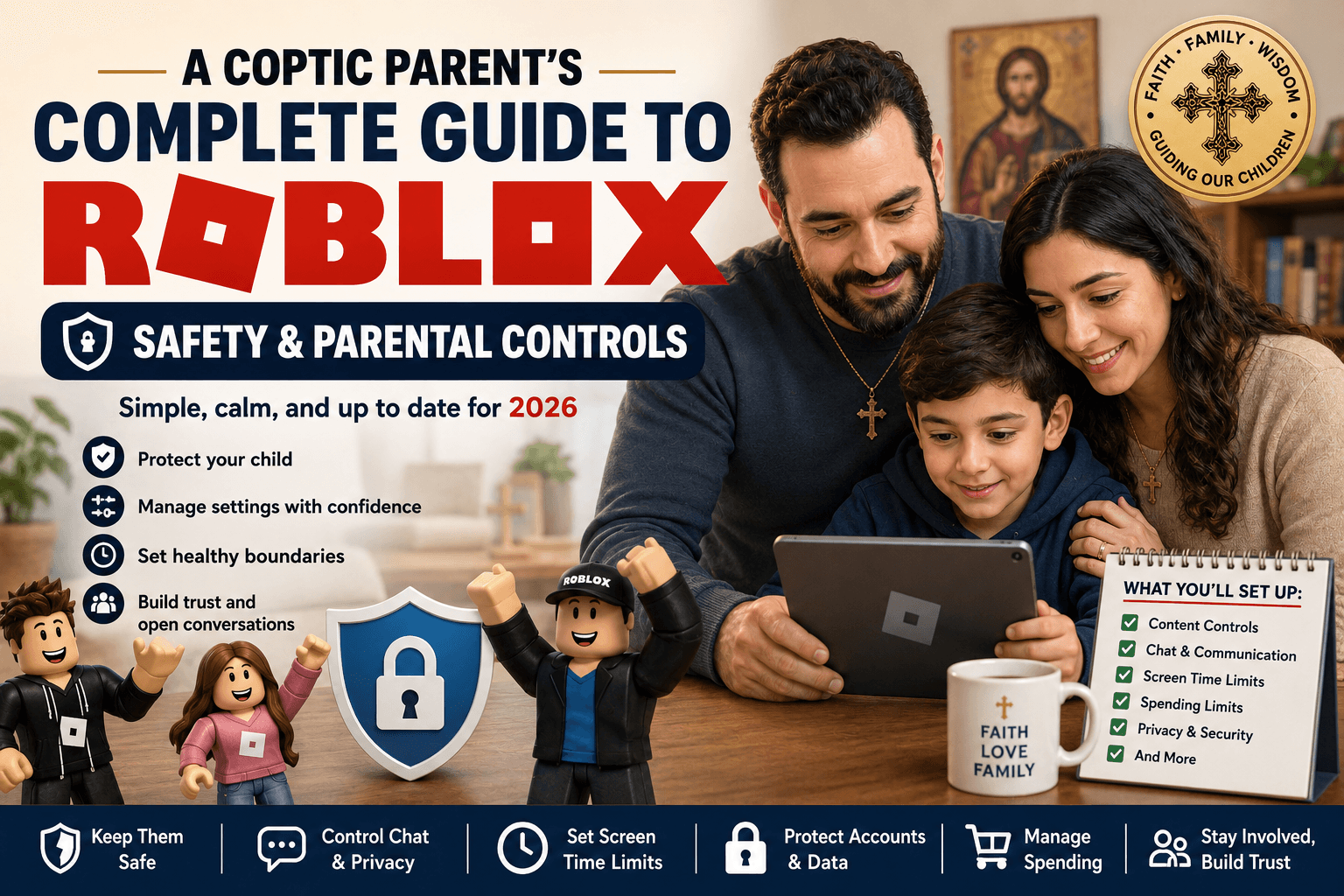
Orthodox Christian Parent’s Practical Guide to Roblox Safety
A comprehensive guide for Orthodox Christian parents navigating Roblox — covering age-appropriate limits, chat safety, spending controls, screen time, and family rules rooted in faith.
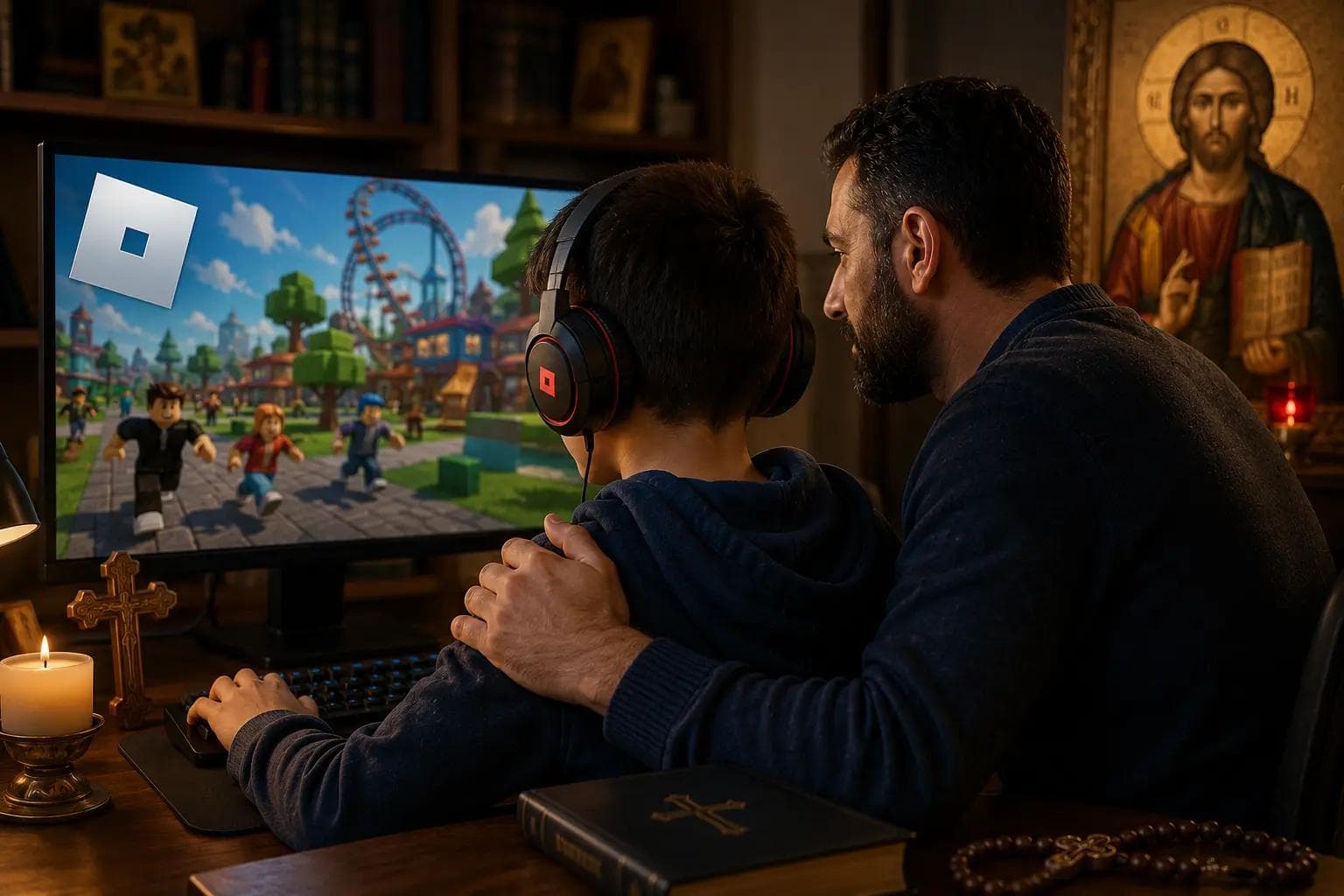
What Roblox Is and Why Parents Should Understand It
Roblox is not one game. It is a large online platform where users create games, social spaces, roleplay environments, avatar items, and interactive experiences.
That matters because Roblox changes constantly. A child may play a harmless obstacle course one day, then enter a strange roleplay space, chat-heavy game, or monetized experience the next.
The Orthodox parenting goal is not to panic or ban everything automatically. The goal is to help children use digital play with boundaries, discernment, self-control, and family accountability.
Parenting Purpose
Roblox affects more than “screen time.” It touches:
- friendship
- imagination
- spending habits
- attention span
- emotional regulation
- exposure to strangers
- exposure to mature themes
- gaming chat
- status-seeking through avatars and Robux
Roblox can be fun. It can also become socially and emotionally consuming if parents treat it like a simple children’s game.
Recommended by Age
Ages 6–10
Roblox should be highly restricted. Use parent controls, disable or heavily limit chat, approve games manually, and avoid unsupervised play.
Ages 11–13
Roblox can be allowed with clear limits, restricted communication, spending controls, and regular parent review of recently played games.
Ages 14–17
Roblox should shift toward responsibility. Keep spending and privacy boundaries, but include more conversation about judgment, online identity, and self-control.
Why This Matters
Roblox safety controls depend heavily on the child’s account age. If the account age is wrong, the protections may not work as intended.
Because Roblox content is user-generated, age labels are helpful but not perfect. A game marked as mild can still contain behavior, roleplay, or social interaction that many Orthodox parents would not want for younger children.
Step-by-Step Instructions
In Roblox
- 1Log into the child’s Roblox account.
- 2Go to Settings.
- 3Select Account Info.
- 4Confirm the birthday is accurate.
- 5Go to Parental Controls.
- 6Link a parent account if available.
- 7Set Content Maturity based on your child’s age and maturity.
Use Roblox maturity settings to limit access to experiences rated:
- Minimal
- Mild
- Moderate
- Restricted
For younger children, stay with Minimal or carefully selected Mild experiences.
Recommended by Age
Ages 6–10
Minimal only, with parent-approved games.
Ages 11–13
Minimal and selected Mild. Avoid open-ended social roleplay games unless reviewed.
Ages 14–17
Mild and possibly Moderate depending on maturity. Restricted should remain off unless the teen is older and the parent has reviewed the content carefully.
Why This Matters
Roblox is social. Children can interact through text, voice, friend requests, group chats, and game-based communication.
The main issue is not that every stranger is dangerous. That is not realistic. The issue is that children are not ready to evaluate every stranger, joke, invitation, private server, scam, or inappropriate conversation.
Step-by-Step Instructions
In Roblox
- 1Go to Settings.
- 2Open Privacy or Parental Controls.
- 3Review Communication settings.
- 4Limit who can message your child.
- 5Limit who can chat with your child in-app.
- 6Limit who can chat with your child in experiences.
- 7Restrict who can invite your child to private servers.
- 8Review friend requests regularly.
For younger children, communication should be set to No one or Friends only, depending on available settings.
Recommended by Age
Ages 6–10
No open chat. Friends only if parents personally know the children.
Ages 11–13
Friends-only communication. No Discord tie-ins. Parent reviews friends list.
Ages 14–17
More freedom may be appropriate, but private messaging, Discord migration, and voice chat still require serious caution.
Why This Matters
Private servers reduce exposure to random players. They are one of the most practical Roblox safety tools for families.
They do not make Roblox perfectly safe, but they make it easier to keep play relational, calmer, and less chaotic.
Step-by-Step Instructions
For games that support private servers
- 1Open the Roblox experience page.
- 2Look for Servers.
- 3Select Private Servers.
- 4Create or join a private server.
- 5Invite only approved friends.
- 6Review whether the server is free or paid.
- 7Avoid servers created by unknown users.
Recommended by Age
Ages 6–10
Private servers or parent-approved games only.
Ages 11–13
Private servers preferred. Public servers allowed only in reviewed games.
Ages 14–17
Public servers may be reasonable, but teens should understand scams, grooming patterns, inappropriate roleplay, and manipulation.
Why This Matters
Roblox includes user-created content. Some games may include suggestive roleplay, dating-like behavior, crude humor, violent themes, or adult-coded social spaces.
The concern is not only visual content. It is the behavior inside the game.
Parents should especially review:
- hotel roleplay games
- club roleplay games
- dating-style social spaces
- avatar-focused hangouts
- games with private rooms
- games with heavy chat
- games that encourage “relationship” roleplay
Step-by-Step Instructions
To review Roblox activity
- 1Log into your child’s Roblox account.
- 2Check Continue Playing.
- 3Review Recently Played.
- 4Open the game page.
- 5Check its maturity label.
- 6Read the description.
- 7Look at screenshots and user behavior.
- 8Sit with your child and watch gameplay for a few minutes.
- 9Block or restrict games that do not fit your family standards.
Recommended by Age
Ages 6–10
Avoid roleplay games with public chat or private rooms.
Ages 11–13
Review roleplay games before allowing them.
Ages 14–17
Discuss online identity, flirtation, attention-seeking, and emotional attachment to strangers.
Why This Matters
Roblox is free to play, but it strongly encourages spending. Children may want Robux for avatar items, game passes, upgrades, private servers, or random reward systems.
This can form unhealthy habits around status, impulse spending, and digital possessions.
Step-by-Step Instructions
In Roblox parental controls
- 1Open Settings.
- 2Go to Parental Controls.
- 3Set monthly spending limits.
- 4Enable spending notifications if available.
- 5Require parent approval for purchases.
- 6Remove saved payment methods from child devices.
- 7Review purchase history.
On Apple devices
- 1Settings → Screen Time → Content & Privacy Restrictions → iTunes & App Store Purchases → In-App Purchases → Don’t Allow.
Recommended by Age
Ages 6–10
No independent spending.
Ages 11–13
Small parent-approved purchases only.
Ages 14–17
Budget-based responsibility. Teens should learn limits, not receive unlimited access.
Why This Matters
Roblox can easily become “just one more game.” The platform is designed for continuous play, social pull, rewards, and constant novelty.
The issue is not one gaming session. The issue is when Roblox crowds out:
- prayer
- homework
- sleep
- family conversation
- outdoor play
- reading
- emotional calm
- real friendships
Step-by-Step Instructions on iPhone and iPad
On iPhone and iPad
- 1Settings → Screen Time → App Limits → Add Limit → Games → Roblox.
Suggested limits:
- 30–45 minutes on school days
- 60–90 minutes on weekends
- shorter limits for younger children
- no Roblox before school
- no Roblox during meals
- no Roblox before prayer or bedtime
Enable: Block at End of Limit.
Recommended by Age
Ages 6–10
30–45 minutes, not daily if possible.
Ages 11–13
45–60 minutes on school days. More flexibility on weekends.
Ages 14–17
Use agreed limits. Teens should learn to stop without constant parent intervention.
Why This Matters
Roblox settings can behave differently across platforms. Xbox, iPad, phone, PC, and browser access may not all be controlled the same way.
Parents often restrict one device while leaving another wide open.
Step-by-Step Instructions
For Roblox on Xbox
- 1Open Roblox.
- 2Go to Account Settings.
- 3Identify the linked Roblox account.
- 4Go to roblox.com.
- 5Apply parental controls to that account.
- 6Review Xbox family safety settings.
- 7Toggle Cross-Platform Gameplay if needed.
- 8Confirm communication settings are restricted.
Recommended by Age
Ages 6–10
Shared space only.
Ages 11–13
Shared space strongly preferred.
Ages 14–17
Bedroom gaming still needs limits, especially at night.
Practical Family Rules
Use rules that are simple enough to remember:
- Roblox only after responsibilities.
- No Roblox in bedrooms overnight.
- No private chats with strangers.
- No Discord connected to Roblox without parent permission.
- No Robux purchases without approval.
- Parents can review recently played games.
- Weird, scary, or inappropriate behavior gets reported, not hidden.
- Public roleplay games require parent review.
- Devices stay in shared spaces for younger children.
- Sunday morning, church, meals, and family prayer are device-free.
If you only change 3 things today:
- Restrict Roblox chat.
- Set Roblox content maturity limits.
- Put Roblox devices in shared family spaces with time limits.
Frequently Asked Questions
Should Orthodox kids play Roblox?
Some can, with limits. Roblox is not automatically bad, but it is not automatically safe. Treat it as an online social platform, not just a children’s game.
What age should a child start Roblox?
For many families, around 8–10 with close supervision is more reasonable than very early childhood. Younger children need heavy restrictions.
Should kids have Roblox chat?
Ages 6–10: usually no.
Ages 11–13: friends only.
Ages 14–17: depends on maturity, but still needs accountability.
Can children bypass Roblox parental controls?
Yes, some children can find workarounds, especially if they have unsupervised devices, know the parent PIN, use alternate accounts, or access Roblox from another platform. Controls help, but relationship and conversation matter more.
Is Roblox safer with private servers?
Usually, yes. Private servers reduce random contact, especially for younger children. They are not perfect, but they are a strong practical tool.
Should parents ban Roblox completely?
Sometimes, yes, especially if a child becomes secretive, aggressive, obsessed, sleep-deprived, or repeatedly violates boundaries.
But banning should not be the only parenting tool. Calm structure usually works better than sudden panic.
What is the biggest Roblox risk?
For younger children: stranger interaction and inappropriate user-generated content.
For older children: compulsive use, social pressure, private chat, Discord migration, spending, and emotionally intense online friendships.
What is the best Orthodox family approach?
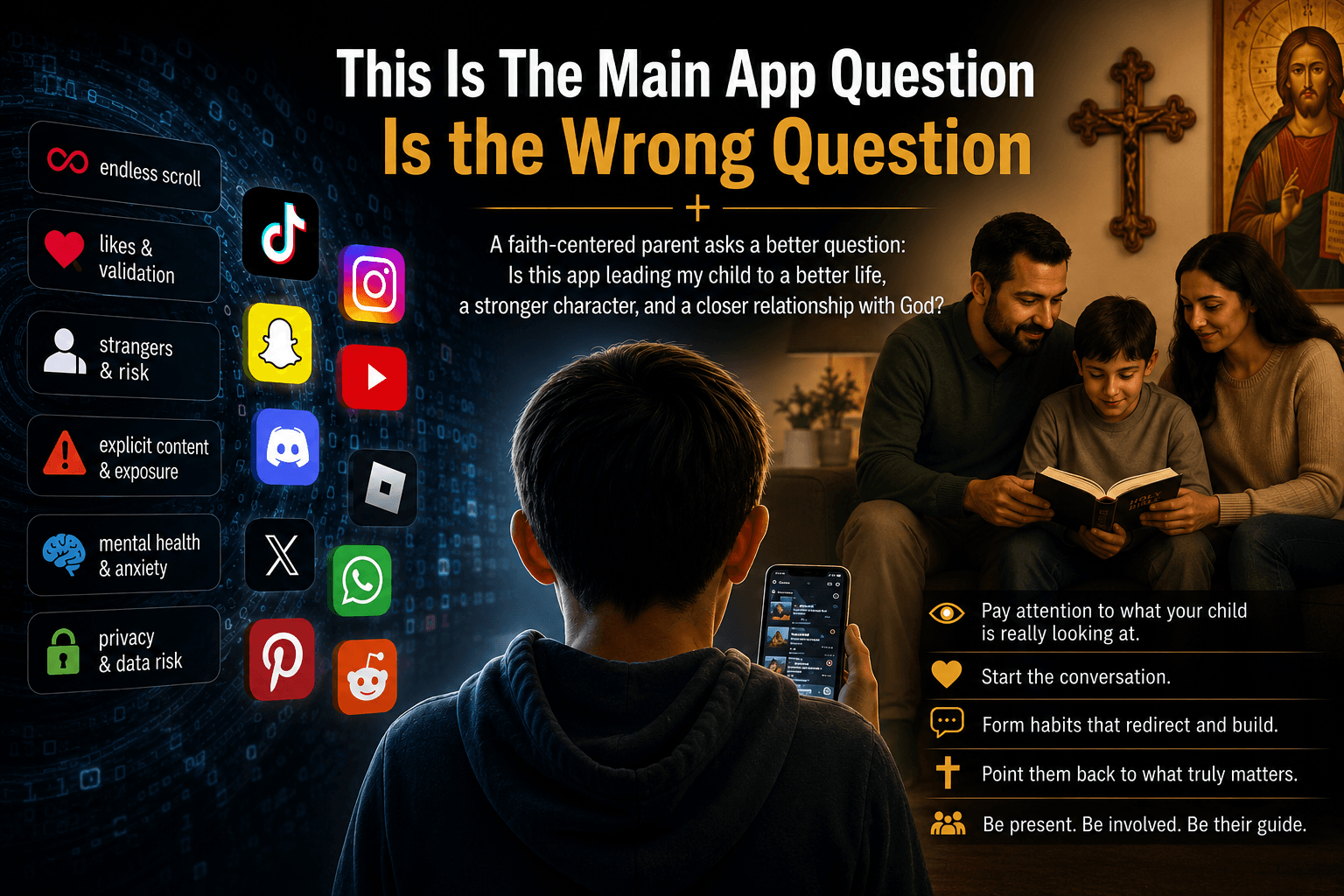
Balanced, not extreme. Use Roblox with clear limits, parent involvement, age-based freedom, no overnight access, spending controls, communication limits, and regular conversations.
Technology should serve family life. It should not quietly replace it.
Tags
Share this post
Comments
Be the first to leave a comment.